
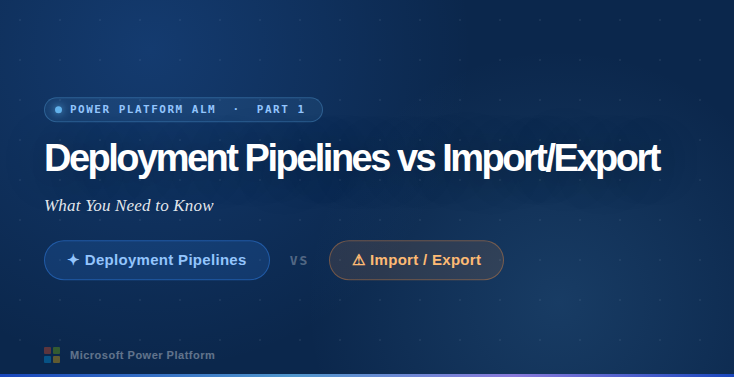

Deployment Pipelines in Microsoft Power Platform vs Import/Export: What You Need to Know
As organizations scale their Power Platform solutions, managing application deployments across environments becomes critical. Whether you’re moving apps from Development to Test or Production, choosing the right deployment method ensures reliability, consistency, and governance.
This article explains the differences between Deployment Pipelines and Manual Import/Export, and provides step-by-step instructions for implementing Deployment Pipelines in the Microsoft Power Platform.
Understanding Environment Deployment in Power Platform
In a typical enterprise setup, you have multiple environments:
- Development (Dev): Where makers build and modify apps.
- Testing (Test/UAT): Where applications are validated.
- Production (Prod): Live environment used by end users.
The goal is to move solutions safely between these environments.
There are two primary ways to deploy:
- Manual Import/Export of solutions
- Deployment Pipelines (recommended modern approach)
Option 1: Manual Import and Export of Solutions
What is Import/Export?
This is the traditional method where developers export a solution from one environment and manually import it into another.
Steps: Manual Deployment
Step 1: Export Solution from Source Environment
- Go to Power Apps Maker Portal
https://make.powerapps.com - Select the source environment (Dev)
- Click Solutions
- Select your solution
- Click Export
- Choose:
- Managed (for Production)
- Unmanaged (for Dev/Test)
- Download the .zip file


Step 2: Import Solution into Target Environment
- Switch to target environment (Test or Prod)
- Go to Solutions
- Click Import
- Upload the .zip file
- Resolve connection references and environment variables
- Complete import
Advantages
- Simple for small teams
- No special setup required
- Full control over deployment timing
Disadvantages
- Manual and error-prone
- No automation
- No deployment tracking
- Difficult for enterprise scale
- Requires manual configuration each time

Option 2: Deployment Pipelines (Recommended)
What is Deployment Pipeline?
Deployment Pipelines is a Power Platform feature that automates and standardizes moving solutions across environments.
It provides:
- Automated deployments
- Environment stage management
- Connection reference handling
- Deployment history tracking
- Reduced human error
- Governance and compliance
This is the recommended approach for enterprise deployments.
How Deployment Pipelines Work
Typical pipeline stages:
Dev → Test → Production
Each stage is connected to a specific environment.
Makers deploy solutions through the pipeline instead of exporting/importing manually.
Benefits of Deployment Pipelines
- One-click deployments
- Automatic solution transfer
- Tracks deployment history
- Handles environment variables and connections
- Reduces mistakes
- Improves ALM (Application Lifecycle Management)